

First create the building, you wish to attach the risk assessment too as a field, press the green plus at the top of Crop Rotation and select main field

Create the boundary round the building and press validate

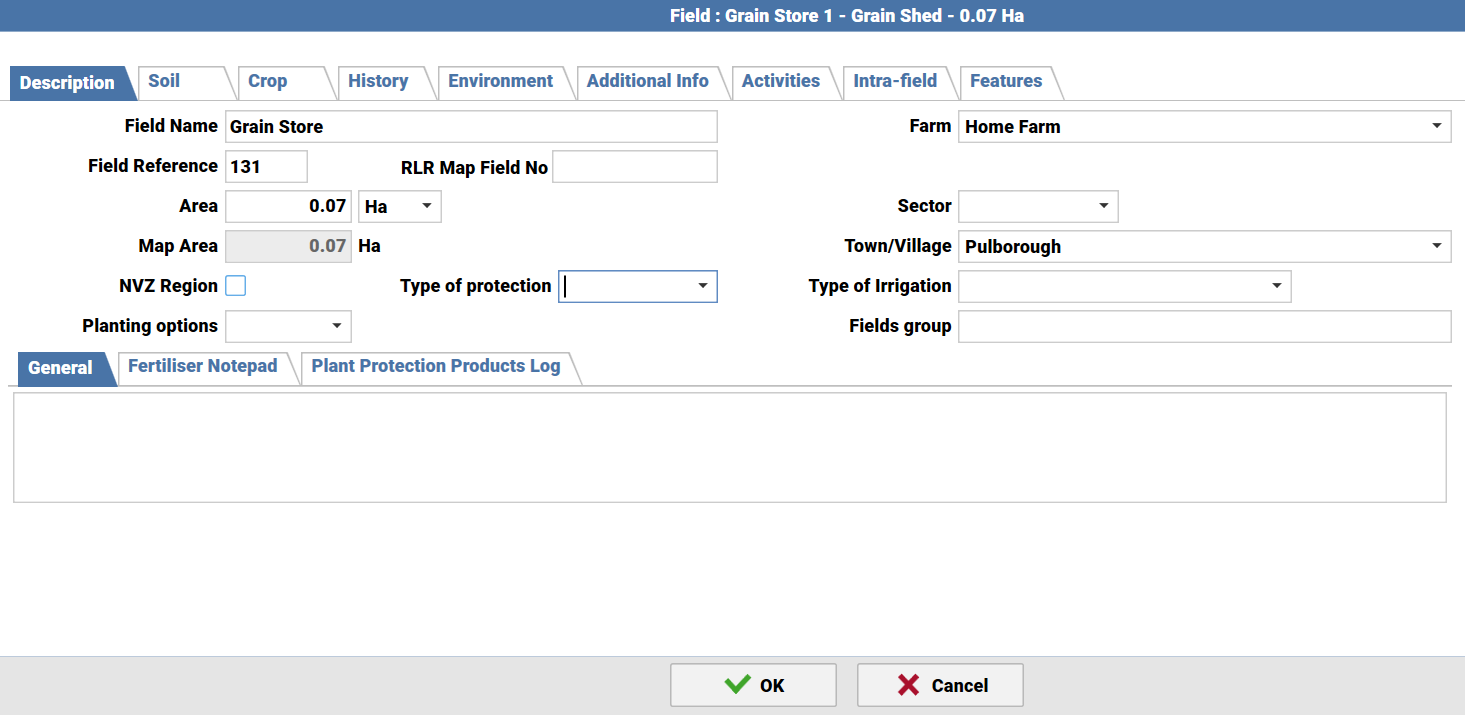
Put what the building is as the field name
In the crop tab, press the crop drop down to attach a new main crop scroll to the very bottom and select add

In the crop name, repeat the name of the building, set it as a perennial and set the National reference crop as other species, then select OK

The space shed will then be visible in the crop box of the field, to attach an individual risk assessment for that building, copy it into the general notes in the description, summarise as best you can where appropriate


Was this article helpful?
That’s Great!
Thank you for your feedback
Sorry! We couldn't be helpful
Thank you for your feedback
Feedback sent
We appreciate your effort and will try to fix the article